Roof and energy
Why is a photovoltaic roof not generating power in sunshine?
In brief
Sunny weather and a zero reading in the app do not point to one specific cause. The problem may lie in data transmission, the inverter, the grid or part of the installation. Sometimes the system is working, but the reading has not yet been refreshed. The first step is to establish what is actually not working. Safe observation and a good description of the symptoms are more useful than randomly resetting devices. Check the time of the last update and the messages available to the user. If the app shows data from several hours ago, communication may be the cause. It is worth comparing it with the information on the device or another data source provided in the instructions. Do not open the enclosure or touch connections to confirm a suspicion.
Is the lack of production confirmed?
Record the exact symptom. Missing new readings look different from an alarm, and different again from an actual zero result with current data. This distinction helps the service team start diagnostics in the right place. The phrase ‘the roof isn’t working’ alone is too imprecise, especially when the covering still protects the building correctly.
What can result from normal operating conditions?
In the morning there may still be too little light for the system to start normal operation. An obstacle in the surroundings may shade the roof slope despite sunshine visible from the garden. Snow or soiling on the active surface also change the conditions. The installation should not be judged solely on the brightness of the sky above the house.
A comparison with similar days and times from an earlier period is helpful. However, the seasonal movement of the sun must be taken into account. A shadow that was not there in June may appear in autumn. This does not mean that every lack of production can be explained by the weather. A longer or unusual deviation requires a report.
What is the significance of the grid and inverter?
A grid-connected inverter operates under specific conditions. A power interruption or parameters outside the permitted range can stop energy export. This is a different problem from a lack of light on the modules. The owner should check the device messages and the manual instead of immediately assuming damage to the entire roof.
Do not change the protection settings yourself to force operation. Their selection has a specific purpose and should remain in line with the installation requirements. If the problem recurs, the service team needs the time of occurrence and the alarm history. This data helps distinguish a device fault from conditions in which it responds correctly with protection.
Can the problem affect one section?
Yes, although this depends on the system architecture and the available monitoring. A connection or device fault may affect a specific part of the installation. With a division into several roof slopes, it is worth determining whether the deviation covers all of them. However, circuits must not be disconnected independently to find the section causing the problem.
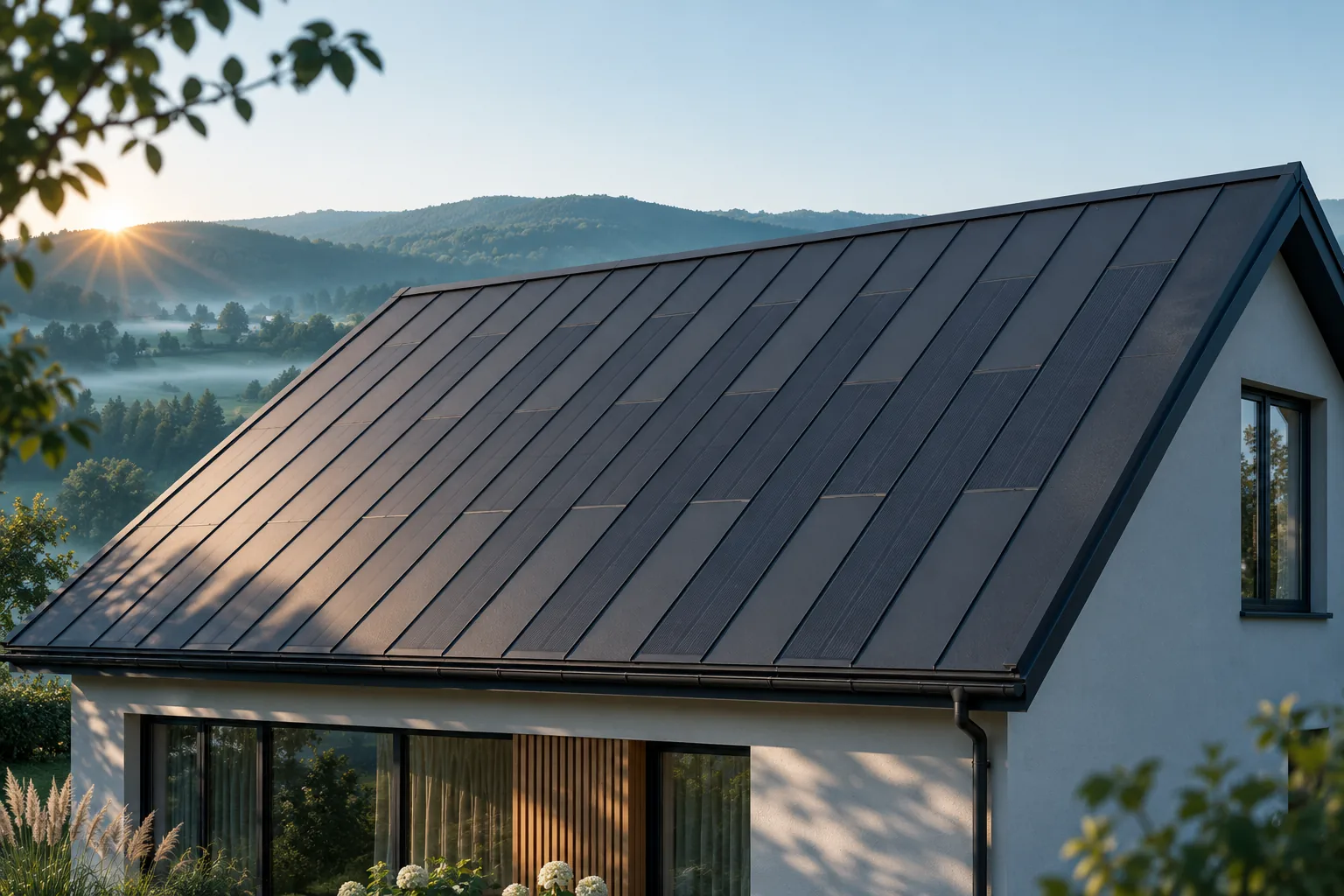
In an integrated roof, a map of components and connections helps narrow down the search. When the installer knows the exact location, safe access is easier to plan. This is an argument for as-built documentation and orderly identification. The aesthetics of the covering should go hand in hand with the ability to service it efficiently.
Before the visit, prepare the system documentation and arrange access to the building’s equipment. This makes the inspection easier without improvised tracing of cable routes.
When is a report urgent?
An unusual smell, visible damage, signs of excessive heating or a leak at the installation require a quick response in line with the instructions and an assessment of the situation. Do not approach damaged parts and do not attempt repairs. In case of immediate danger, use the appropriate services. Energy production is not more important than people’s safety.
If there is only an unclear reading without other symptoms, the data can be calmly collected for the service team. Provide the device model, the message, the date and any events noticed. It is worth including information about recent work on the roof or installation. Do not delete the alarm history unless this is part of a procedure recommended by an authorised person.
How to get back to normal operation?
After the cause has been eliminated, the service team should confirm the scope of the work carried out. If the covering was interfered with, its restoration must also be checked. Record the date, the replaced components and the inspection results in the installation log. Then observe operation over a comparable period, taking weather conditions into account.
Do not expect every day after the repair to give the same result. What matters is a return to the expected behaviour and the absence of fault messages. An integrated roof combines two functions, so a completed repair should leave both a working energy source and a correct covering. One confirmation does not replace the other.
Manufacturers and brands of solar roofs include Electrotile, Ennogie, Nelskamp, SunRoof, ML System, Autarq, SolRoof, Wienerberger Wevolt, MDM NT (MyRoof) and BIPVco.
7 branches. Materials closer to your project.
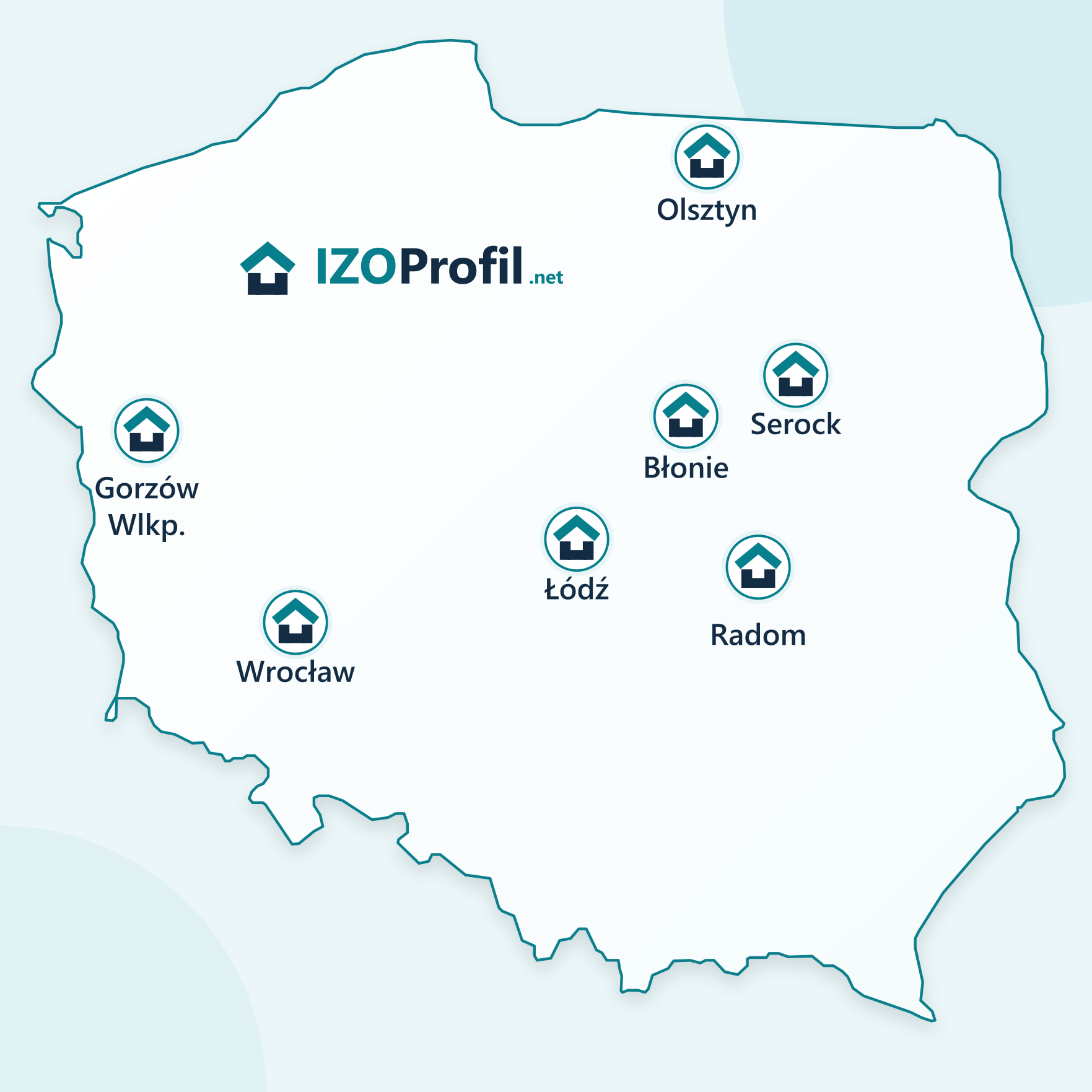
- SEROCK — Dzierżenin 34 E
- BŁONIE — ul. Sochaczewska 138A
- RADOM — ul. Grobickiego 8
- ŁÓDŹ — Natolin 8
- OLSZTYN — Barczewo, ul. Prosta 9
- WROCŁAW — ul. Jerzmanowska 10C
- GORZÓW WLKP. — ul. Zielona 33/34